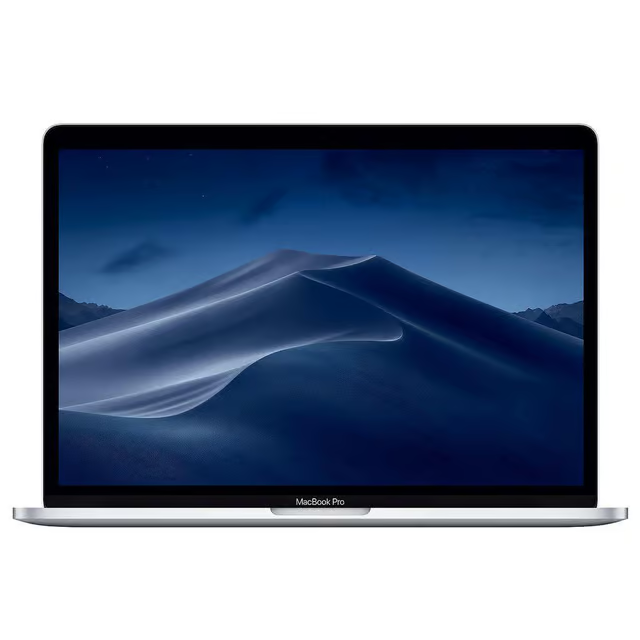
1. MacBook & MacBook Pro Repairs

- Liquid damage inspection and board‑level repair
- No‑power, no‑image and random shutdown issues
- Battery, keyboard and trackpad replacements
- Charging problems and USB‑C port faults
2. iMac Repairs & Upgrades

- iMac not turning on or stuck on Apple logo
- Hard drive to SSD upgrades for older iMacs
- Fan noise, overheating and performance issues
- GPU and power supply faults
3. MacBook Pro (Retina & M‑Series) Repairs

- MacBook Pro not turning on or stuck on loading screen
- SSD and storage upgrades (where supported)
- Overheating, fan noise and thermal issues
- Logic board, GPU and power faults
4. Why Choose Us
Independent vs. Apple Store
| Feature | AppleMacMender | Apple Store |
|---|---|---|
| Approach | Component‑level repair (saves money) | Full part replacement (expensive) |
| Turnaround | Often 1–3 days | Often 1–2 weeks |
| Communication | Direct with engineer | Support tickets / front‑of‑house |
5. Frequently Asked Questions
Do you only repair Apple Macs?
Yes. I specialise exclusively in Apple Mac hardware – MacBook, MacBook Pro, MacBook Air and iMac.
Can you repair liquid‑damaged MacBooks?
In many cases, yes. The sooner the Mac is powered off and brought in, the better the chances of success.
How do I identify my Mac model?
If you aren’t sure which model you have, you can use Apple’s official guide to identify your MacBook.
6. Service Areas
AppleMacMender provides specialist MacBook and iMac repairs across Southport and the wider Merseyside region. Collection and drop‑off can be arranged for local customers.
- Southport
- Birkdale
- Ainsdale
- Churchtown
- Crossens
- Formby
- Ormskirk
- Tarleton
- Hesketh Bank
- Crosby
- Bootle
- Liverpool
- Wider Merseyside & Lancashire
If you’re nearby and need fast, expert Apple Mac repairs, I’m here to help.
7. What To Do If Your Mac Gets Wet
Liquid damage is one of the most common issues I repair, and acting quickly can make a huge difference. If your MacBook or iMac has come into contact with water, tea, coffee or any other liquid, follow these steps immediately.
Step 1 — Turn It Off Immediately
Hold the power button until the Mac shuts down. Do not try to keep it running to “check if it still works” — this can cause short circuits and permanent board damage.
Step 2 — Unplug the Charger
Disconnect the power adapter straight away. Electricity + liquid is the fastest way to destroy a logic board.
Step 3 — Do Not Try to Dry It with Heat
Hairdryers, radiators and airing cupboards can warp components and push liquid deeper into the board. Avoid them completely.
Step 4 — Do Not Try to Turn It Back On
This is the most common mistake. Even if it looks dry, powering it on can cause irreversible damage. Leave it switched off.
Step 5 — Gently Remove Excess Liquid
Wipe away visible liquid with a soft cloth. Do not shake the MacBook — this spreads liquid across the board.
Step 6 — Bring It In for Professional Cleaning
Liquid leaves behind corrosion that continues to damage the board even after it dries. I perform board‑level ultrasonic cleaning and component repair to restore liquid‑damaged Macs safely and properly.
Fast action gives the best chance of saving your Mac.
Call 073400 17301 or email info@applemacmender.co.uk